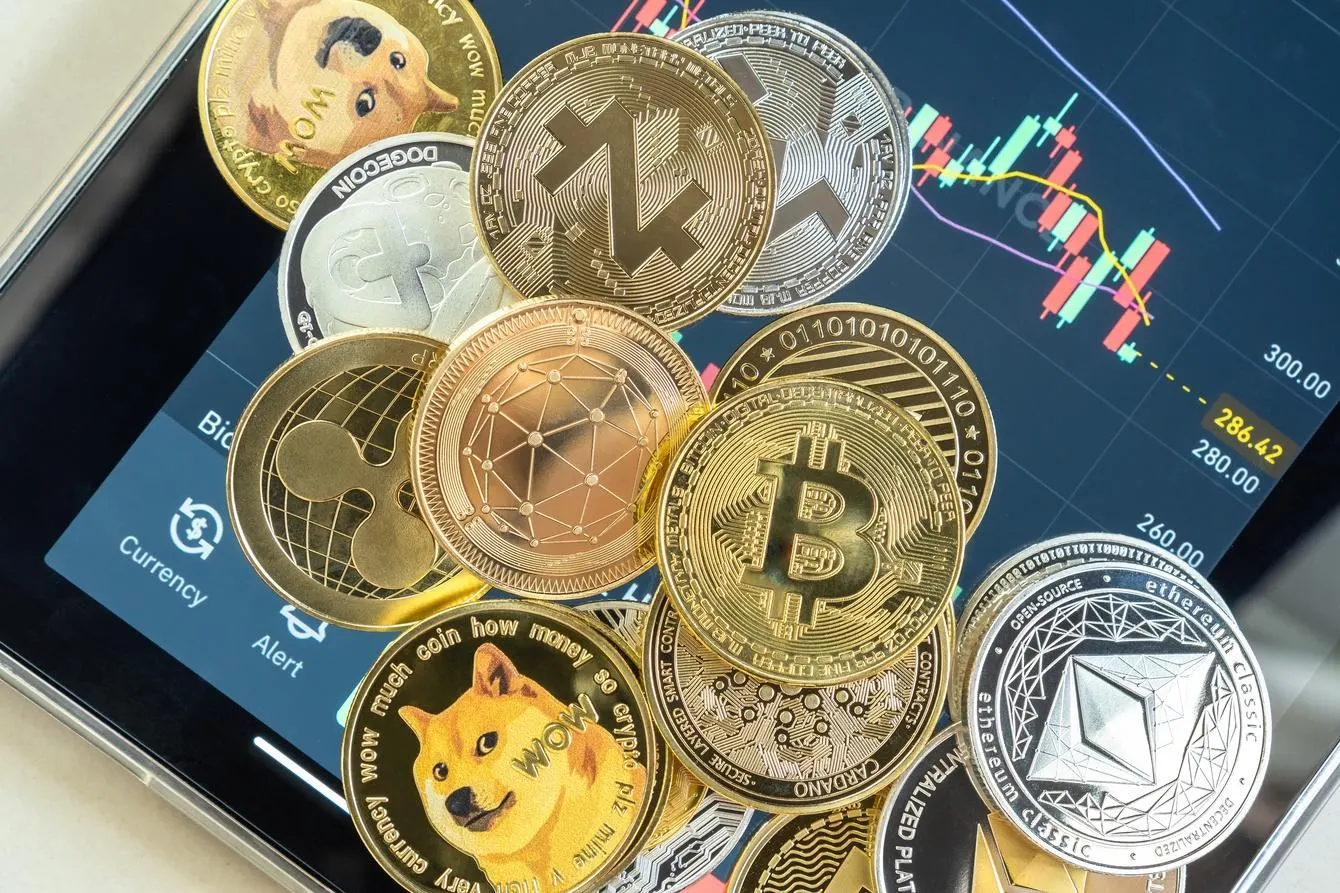
“What should I start with to buy cryptocurrency?”
“I’m worried about making a mistake with identity verification or deposits…”
It’s natural to feel uneasy about your first procedure if you can’t see the overall process.
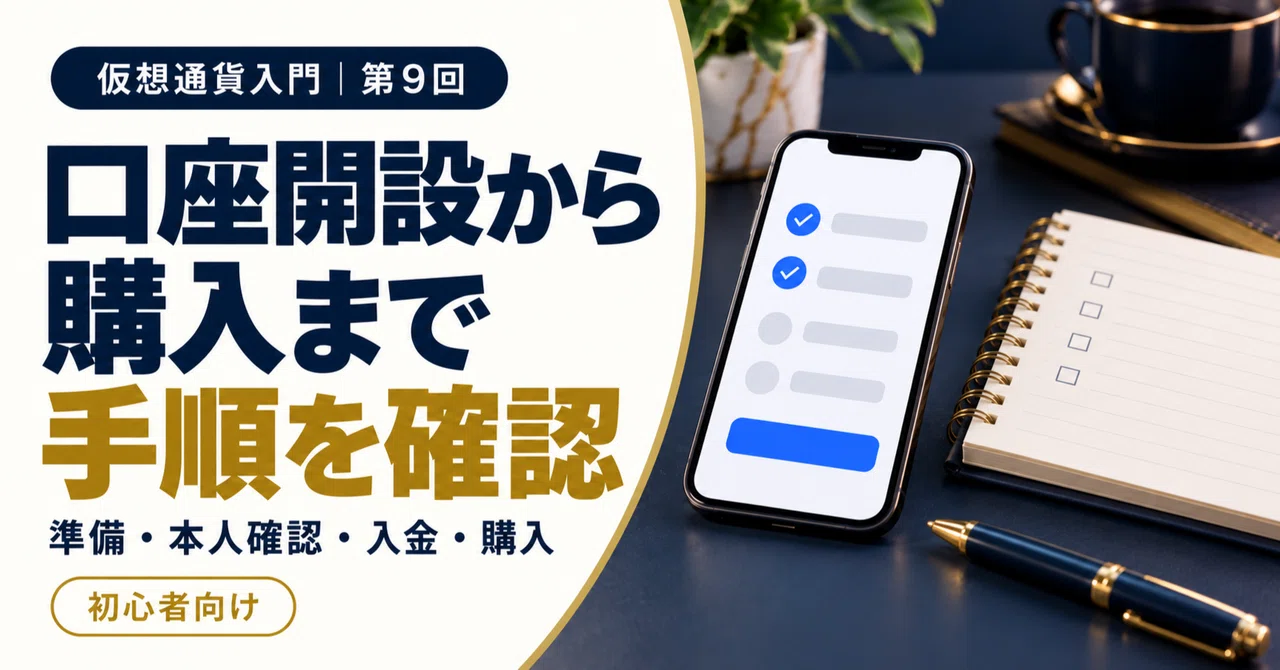
This time, we will organize everything from preparing to open an account to confirming after a purchase.Knowing the steps and actually buying are two different things. For now, just getting a grasp of the flow is enough.
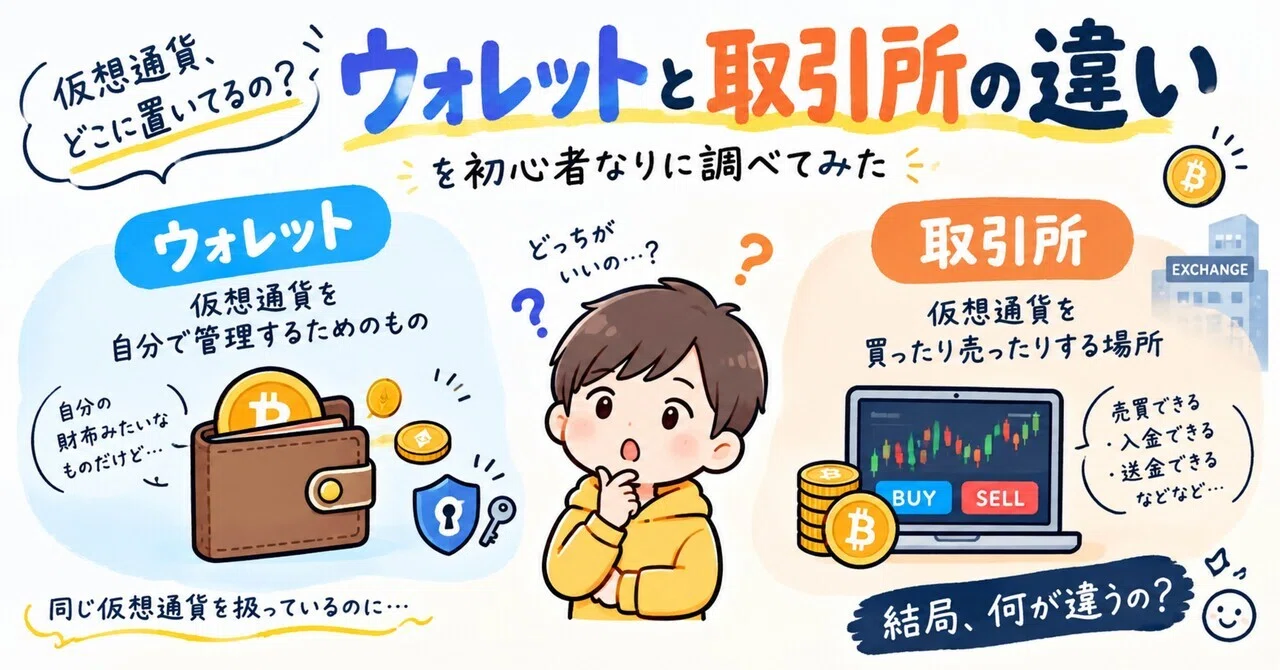
The difference between “Sales Offices” and “Exchanges” from last time is here.
[Previous article URL]
1. Before starting, what do I need to prepare?
What is generally called “cryptocurrency” is referred to as “crypto assets” under the Japanese system.
When using domestic services, first check that they are a registered business via the Financial Services Agency’s guidance. However, registration does not guarantee profits or principal.fsa.go.jp
The general requirements for what to prepare are as follows.
-
An email address where you can receive mail
-
A smartphone used for authentication such as SMS
-
Identity verification documents such as a driver’s license or My Number card
-
A bank account in your own name used for deposits
Acceptable documents and application conditions such as age vary by company. Before applying, check the official guidance of the company you plan to use.
2. What do I do when opening an account?
Generally, the process proceeds in the order of email address registration, password setting, entering name and address, identity verification, and screening.
For identity verification, there are methods such as taking photos of documents and your face with a smartphone, or reading the IC chip of a document. Supported methods differ depending on the company and device.
For example, at GMO Coin, after registration and identity verification, you enter the account opening code you received to complete the procedure. This is an example for that company, and not all companies have the same operations.Bitcoin (BTC) / Crypto Asset (Cryptocurrency) Exchange and Purchase – GMO Coin
It is easy to understand if you think of it as a procedure to verify “whose account it is,” just like when opening a bank account.
Screening may take time. Do not assume it will always be completed in the “shortest time” mentioned in the guide, and proceed with plenty of time.
3. What should I set up before depositing?
Do not reuse the same password for other services.
Furthermore, follow the official instructions to set up additional authentication, such as two-factor authentication. Two-factor authentication is a mechanism that verifies your identity using a confirmation code or similar in addition to your password.
Never share your authentication code or password with someone you met on social media. Also, only handle identity verification documents through the officially designated submission screen.
Before rushing to deposit funds, it is important to prepare to protect your account.
4. How do I deposit Japanese yen?
Once your account opening is complete, check the deposit methods on the official app or member page. Choose from the supported methods, such as bank transfer.
Always verify the transfer destination on the official screen you logged into yourself. Do not use account information sent to you by someone on social media.
Depending on the deposit method, fees and the time it takes for the balance to reflect may vary. You need to check this before proceeding.For Bitcoin (BTC) and crypto asset exchanges and purchases, choose GMO Coin
Also, simply depositing money does not mean you have purchased crypto assets. First, confirm that it has been reflected in your Japanese yen balance.
5. What should I check when purchasing?
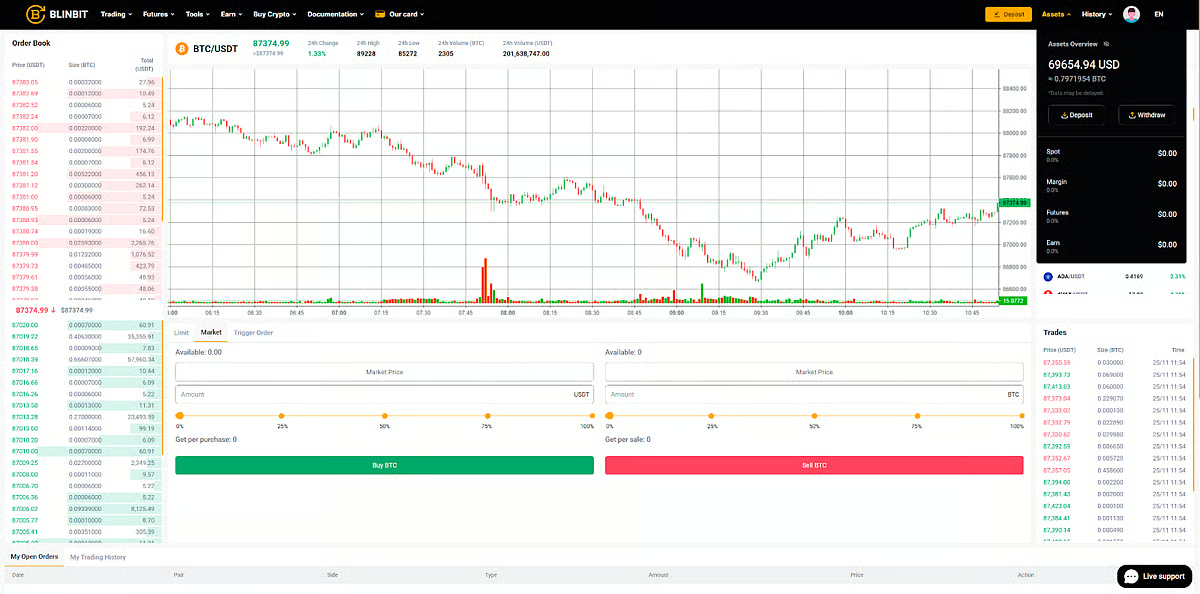
When purchasing, check the “spot trading” screen where you buy and sell actual crypto assets. Distinguish this from leverage trading, where you increase your trading amount using borrowed funds or similar.
Confirm whether you are using the sales office or the exchange as explained previously, and enter the ticker symbol and amount, or quantity, you wish to purchase.
In the final confirmation, review the following points:
-
Are you sure you have the right ticker symbol?
-
Did you mix up the amount in yen with the quantity of crypto assets?
-
How much are you paying, including the price and fees?
After purchasing, check your transaction history and holdings. On an exchange, an order may not be executed immediately after being placed. Distinguish between order acceptance and purchase completion.
If you see any display you do not understand, it is perfectly fine to stop the operation right there.
6. Summary
-
Check the application requirements and necessary documents in the official guide.
-
Open an account after registration, identity verification, and screening.
-
Before depositing funds, set up security measures to protect your account.
-
Don’t forget to check the amount before purchasing and review your history after purchasing.
Even if you open an account, you don’t have to buy immediately. Don’t rush; let’s understand things one by one.
7. Next Episode Preview
Next time, we will cover “Where is the cryptocurrency I bought? Basics of wallets.” We will gently organize information about storage after purchase.
If you found this helpful, I would be happy if you could “Like” and follow to read the rest.
Reference Information (Confirmed as of November 9, 2026)
#IntroductionToCryptocurrency #CryptoAssets #Bitcoin #ForBeginners