
By the end of day 5, you have progressed to the point of checking for yourself whether the companies you are interested in are listed on the Financial Services Agency’s registration list.
From day 6, we will choose one company from the registered list that I think ‘If I were looking, I would choose this one’ and take a look at it.
We won’t buy any cryptocurrency yet, but first, let’s try selecting one company.
Then, if necessary, we will proceed with the account opening process and move on to identity verification.
‘Isn’t it a bit scary to open an account?’
For those of you who feel that way, I will introduce the process I actually went through.
Day 6 | First, one company: I chose Coincheck
This time, I have decided to take a look at Coincheck.
There are several reasons why I chose it.
First, the app seemed relatively easy to understand.
I often saw it introduced in articles for cryptocurrency beginners as well.
And, the fact that I can purchase my favorite NFTs, which I am interested in myself, is also one of the reasons I chose it.
Rather than ‘I want to buy cryptocurrency!’, in my case, becoming interested in Web3 through my fandom activities is also a big part of it.
That is why I decided to take a look at Coincheck this time.
However, one thing here.
If you still have even a little resistance to opening an account, it is okay not to force yourself to make one.
The goal of this 30-day guide is not to open an account.
‘I wonder what kind of place it is, let me take a look’
It is fine if you proceed with that kind of feeling.
What you will do today is,
“Take a look at one actual registered exchange.”
That is all for now.
Day 7 | Complete Identity Verification
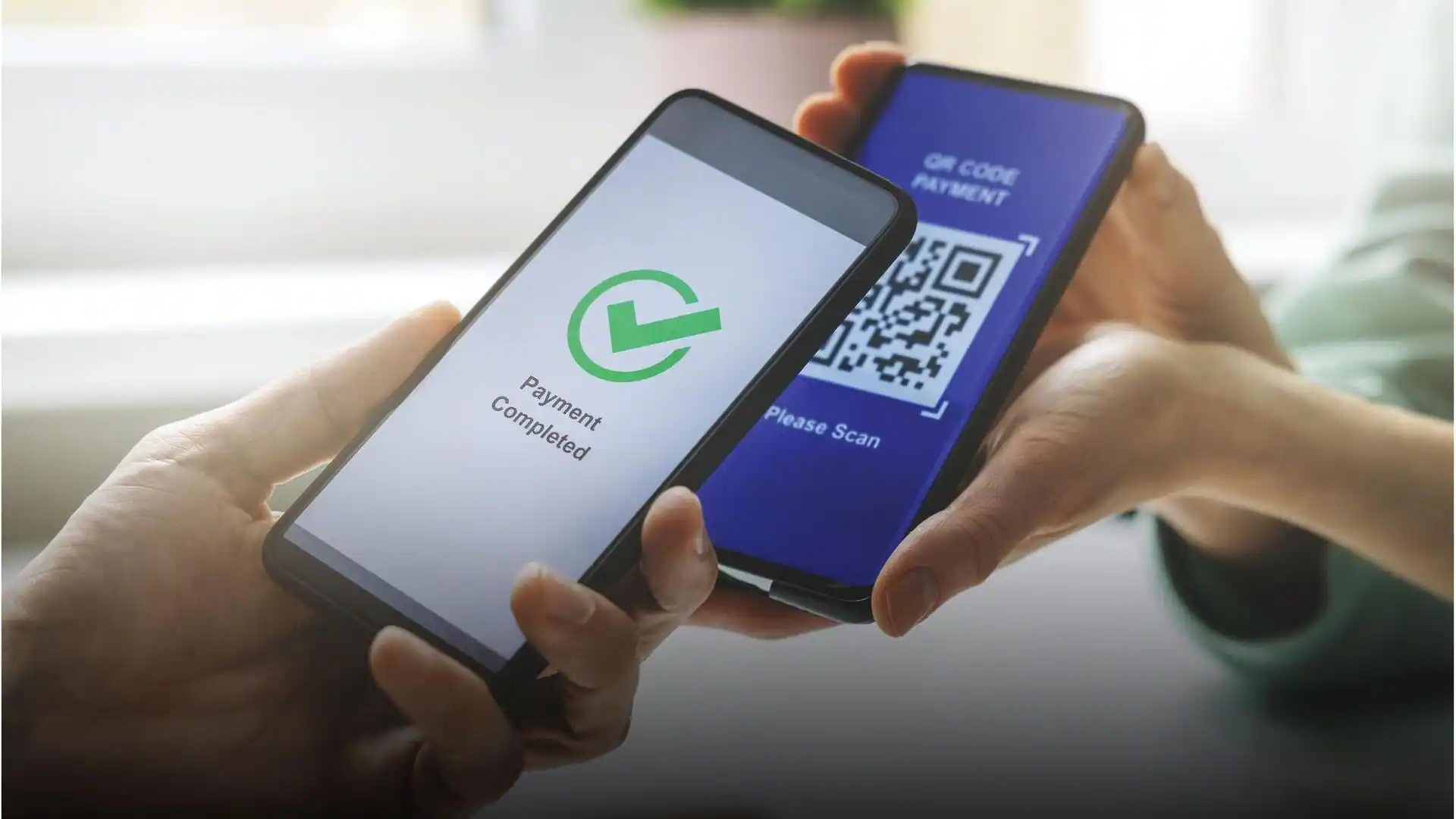
I will proceed with the registration using the Coincheck app.
The process I actually followed was:
Install the app
↓
Send email address
↓
Click the link in the received email
↓
Confirm important terms
↓
Verify phone number
↓
Submit identity verification documents
That was it.
For submitting identity verification documents, I used my My Number Card.
In the case of Coincheck, if you know the ‘digital signature certificate password’ for your My Number Card, you can submit your identity verification documents just by holding your card against your smartphone, without having to do any tedious data entry.
When I actually did it,
“Is that it?”
I was surprised by how easy it was.
Of course, the identity verification method will differ depending on the service.
It is not guaranteed that other cryptocurrency exchanges will allow you to do it the same way, so please check the instructions for the service you are applying to.
Identity verification is an important procedure to confirm that the person applying is truly who they say they are.
This kind of verification exists precisely because this is a place that handles our important money.
What you need to do today is,
“Complete identity verification according to the instructions.”
That is all.
Day 8 | Wait for Review
Once you have submitted your identity verification documents, all that is left is to wait for the review.
“I wonder how many days the review will take?”
That is another point you are probably curious about.
In my case, it took about 10 minutes from installing the Coincheck app until I received the email confirming that my identity verification documents had been reviewed.
By the way, that includes the time it took to find the note where I had written down the “digital signature certificate password” for my My Number Card.
It is incredibly fast, isn’t it!
However, this is just the case when I applied through the Coincheck app.
If you apply via the Coincheck browser, it seems you need to receive a postcard one to two weeks after the review, and you can start using it after that.
The method of identity verification and the time required for the review can vary depending on the service and application method, so please check the instructions for each company when you apply.
What you need to do today is just wait for the review to finish.
Day 9 | Confirm that you can log in
Once the identity verification review is complete, try to see if you can actually log in.
Once you are logged in, take a look around the app.
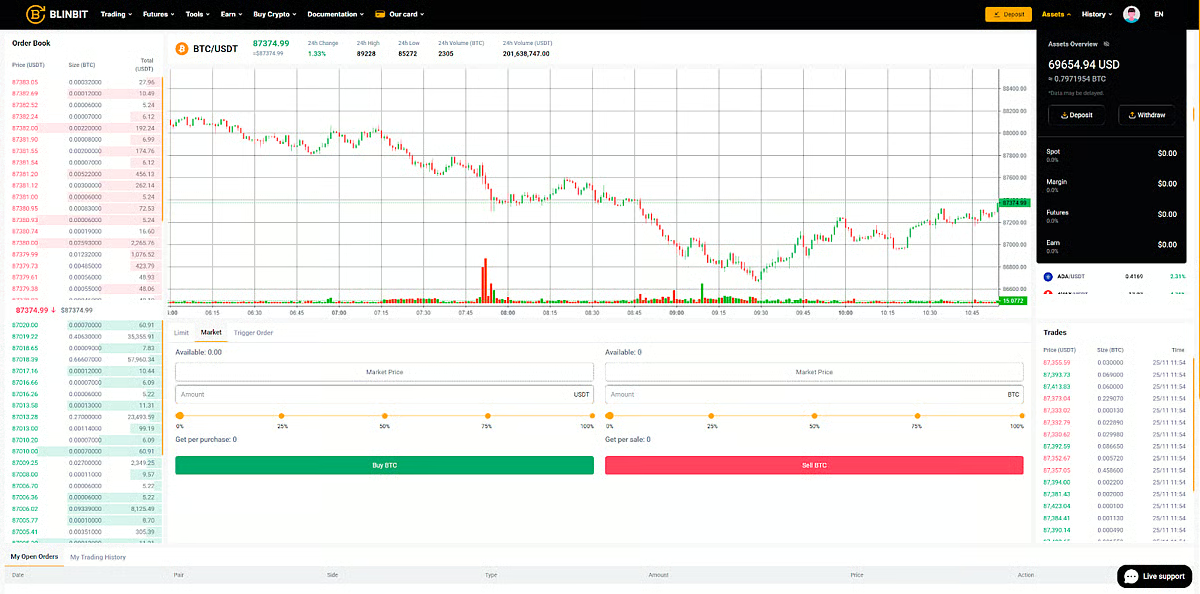
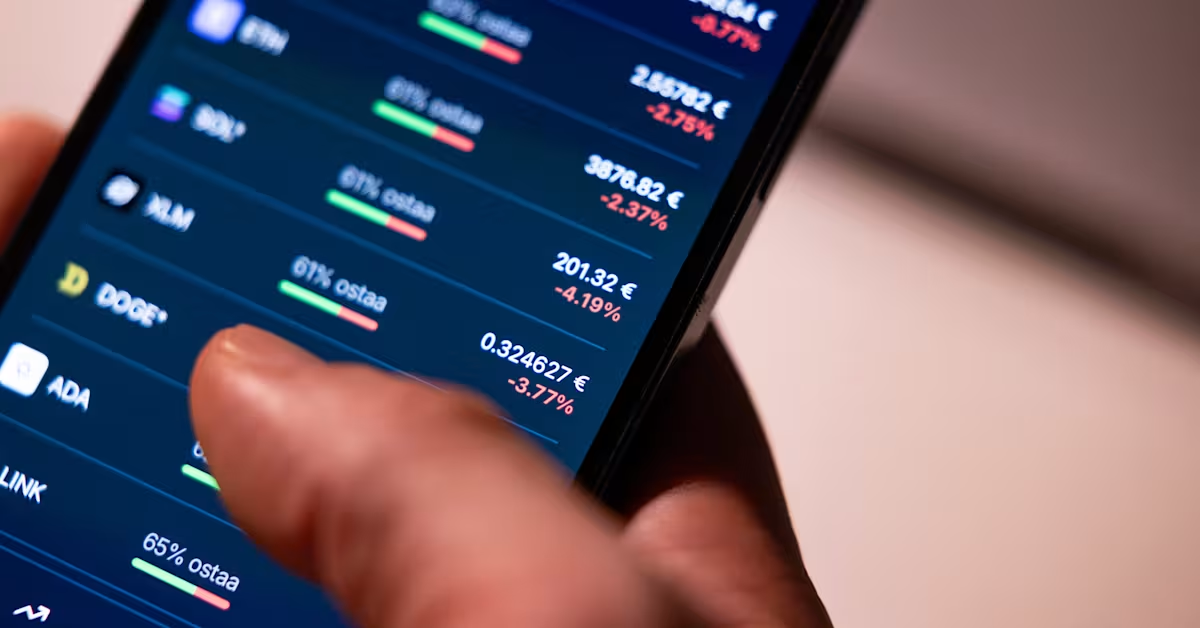
You will see graphs, the names of various coins, and buttons for buying and selling.
But there is no need to rush, thinking, “Now that the account is ready, I have to put money in.”
Do not deposit any money yet.
Remember what you decided in Day 1 through Day 3.
-
Do not use living expenses.
-
Set a monthly limit on how much you can spend.
-
If you don’t understand it, don’t buy it.
Following this rule, I will decide what ‘not to do’ first.
Day 10 | Creating a ‘Not-to-Do List’
When looking at the app, various services and information catch your eye.
‘What is this?’
You might find yourself curious about some things.
However, for me right now, these are all things I don’t understand well yet.
Therefore, instead of looking up things I don’t understand on the spot or starting them on impulse, I first decide, ‘I will not do this.’
This is the ‘Not-to-Do List’ I created in my smartphone notes.
• Borrowing money to invest and try to make a profit (leverage)
• High-yield projects where the mechanism is unclear
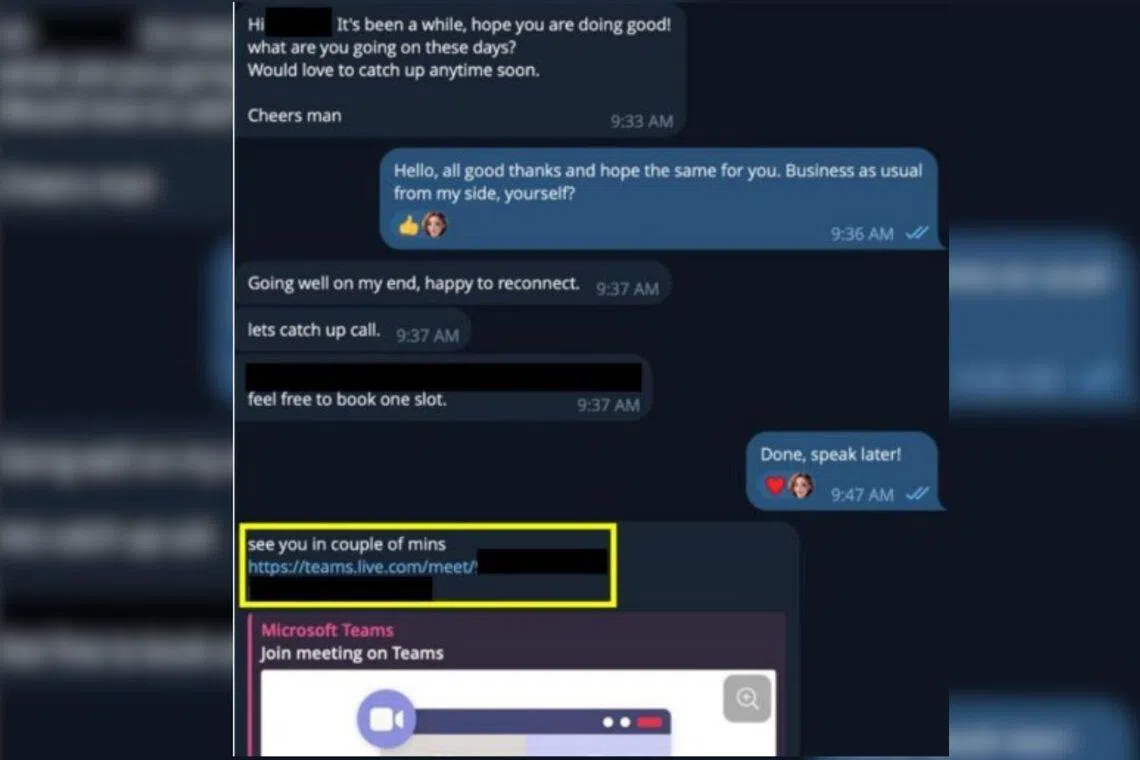
• Investment pitches that come via X DMs
• Spreading or being led by impersonation ads
They all smell like trouble. Haha.
You might think, ‘That’s obvious.’
But there is a reason for daring to decide this in advance.
When you actually start investing, seeing the price go up might make you think,
‘Should I buy now while I can?’
Or seeing people around you making a profit might make you think,
‘Should I do it too?’
And your resolve might waver.
This is to ensure that you don’t get carried away by the momentum of the moment when that happens.
First, decide what you will ‘not do’.
And, absolutely stick to that rule.
Even if you see ads or notices that catch your eye, don’t open them if you don’t need to.
If you open one by mistake, just close it and you’ll be fine.
What you need to do today is,
“decide in advance what you will not do.”
That is all.
Summary of Day 6 to Day 10
What we did over these few days was,
Day 6: Choose one company
This time, I chose Coincheck.
Day 7: Complete identity verification
I proceeded with the registration via the app and submitted my identity verification documents.
Day 8: Wait for the review
In my case, I received an email confirming the review was complete in about 10 minutes.
(So, in reality, it was finished on Day 7. Haha)
Day 9: Log in
Don’t deposit money right away; just take a look around the app.
Day 10: Create a list of things not to do
Set your own boundaries while you are still calm.
More than just opening an account, being able to decide for myself, ‘I won’t go this far.’
For me, this was also a big step forward this time.
I actually opened an account with Coincheck this time, but if you are still hesitant, you don’t have to go that far.
Please take it one step at a time, starting from a point where you feel comfortable saying, ‘I’ll try up to this point.’
Next, we will move on to the steps from Day 11 onwards.
If you are curious about what comes next, please follow me and stay tuned.
Disclaimer
This article is a summary of what I, a beginner in Web3 and cryptocurrency, have actually researched and experienced.
It is not intended to recommend the purchase of cryptocurrency or investment in specific services or assets.
Also, the information in this article is current as of the time of writing. Service details, fees, and other information may be subject to change.