
To purchase cryptocurrency, you generally open an account with a cryptocurrency exchange service. However, first-time applicants may feel anxious, wondering, “What do I need to prepare?” or “Is identity verification difficult?”
While account opening screens and required documents vary by provider, the basic process has commonalities. This article explains what is needed to open an account at a domestic cryptocurrency exchange, the steps from application to start of use, and points to keep in mind for a safe experience.
Things to check before opening an account
First, check if the provider is registered with the Financial Services Agency (FSA) or a Local Finance Bureau. The FSA publishes a “List of Registered Cryptocurrency Exchange Service Providers.” It is important not to skip this check just because they appear in advertisements or on comparison sites.
Next, check the application requirements set by each company on their official website, such as age, place of residence, and a financial institution account in your own name. Since requirements and necessary documents may change, please use the information provided at the time of application as your guide.
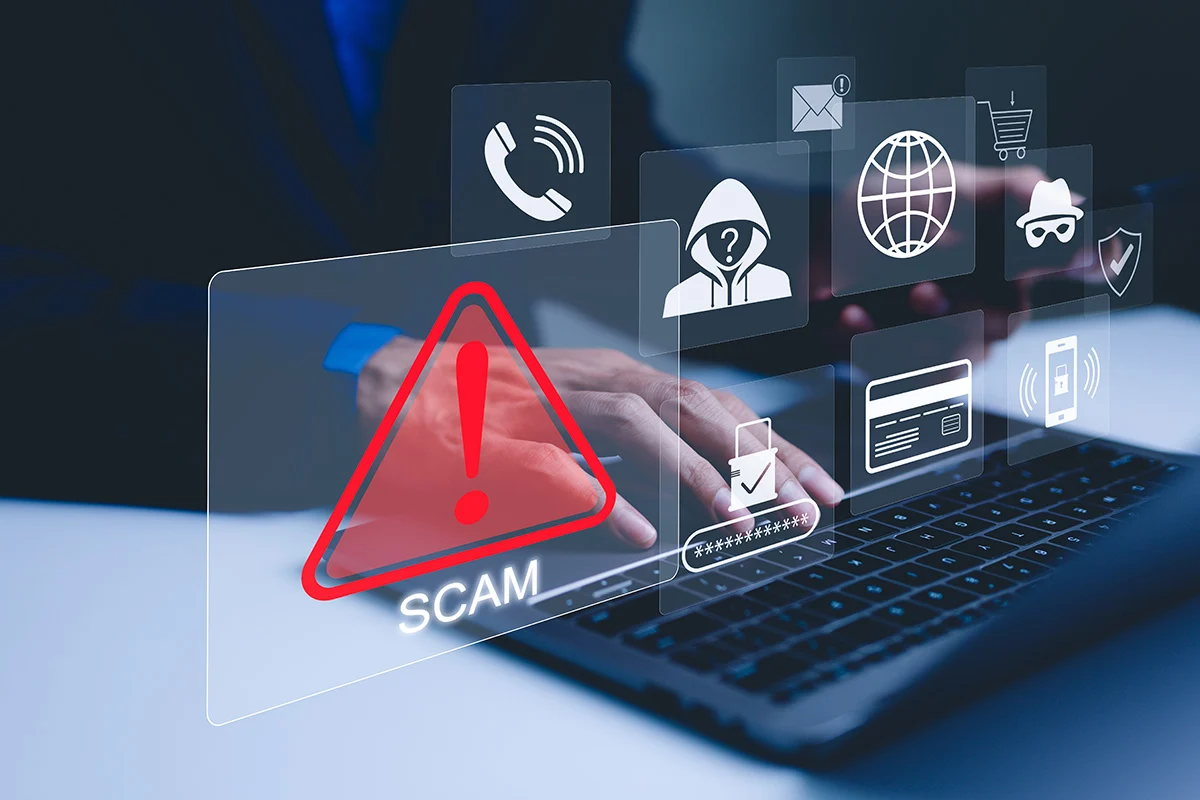
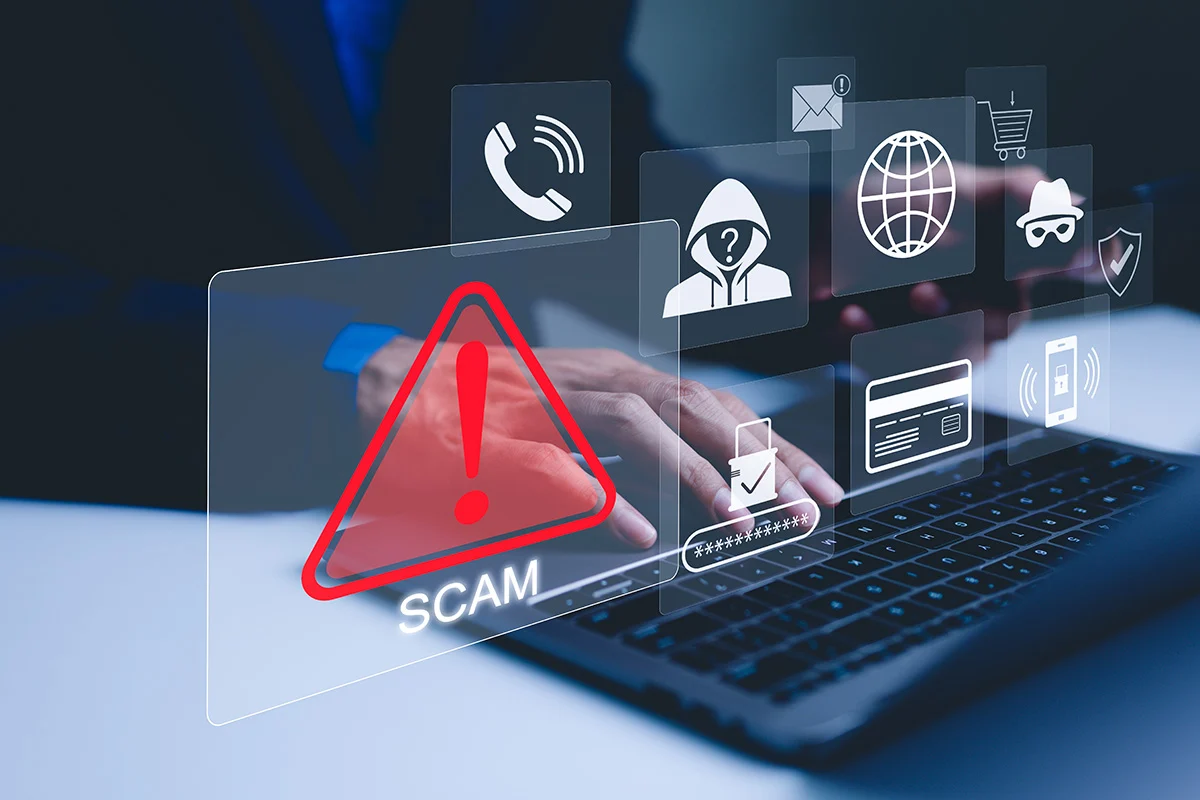
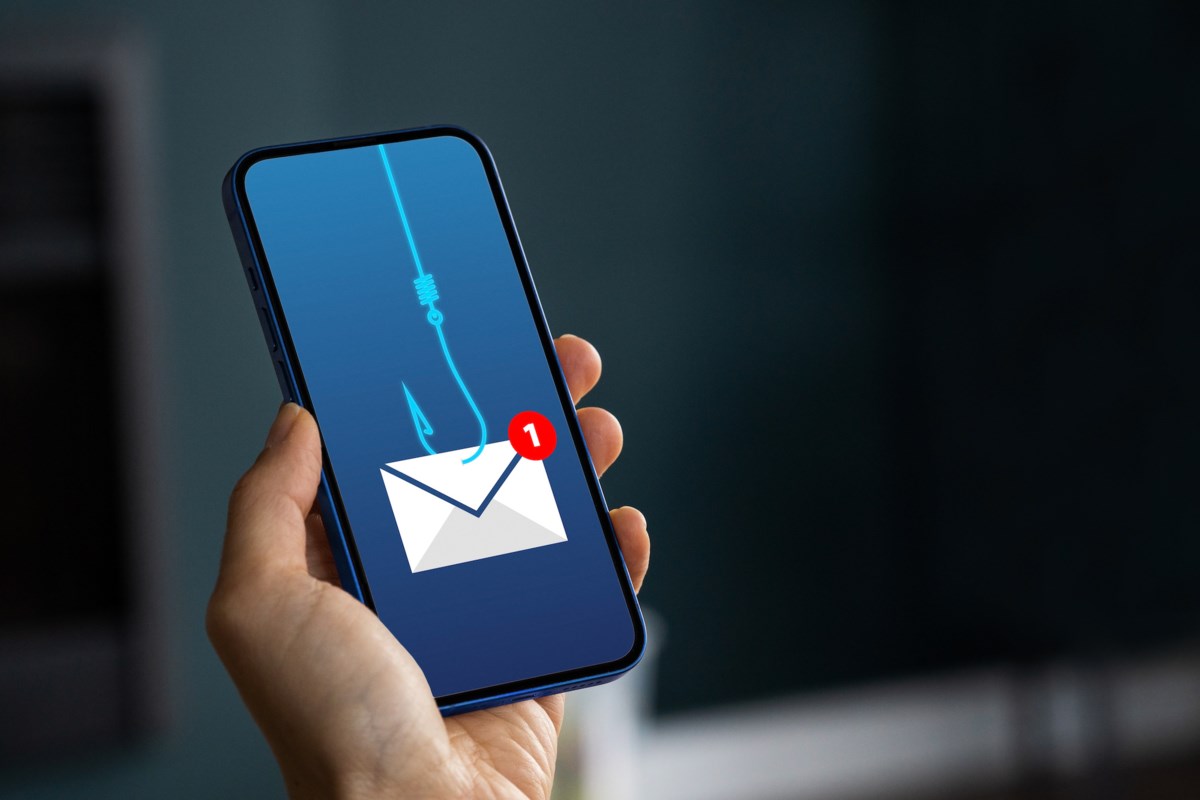
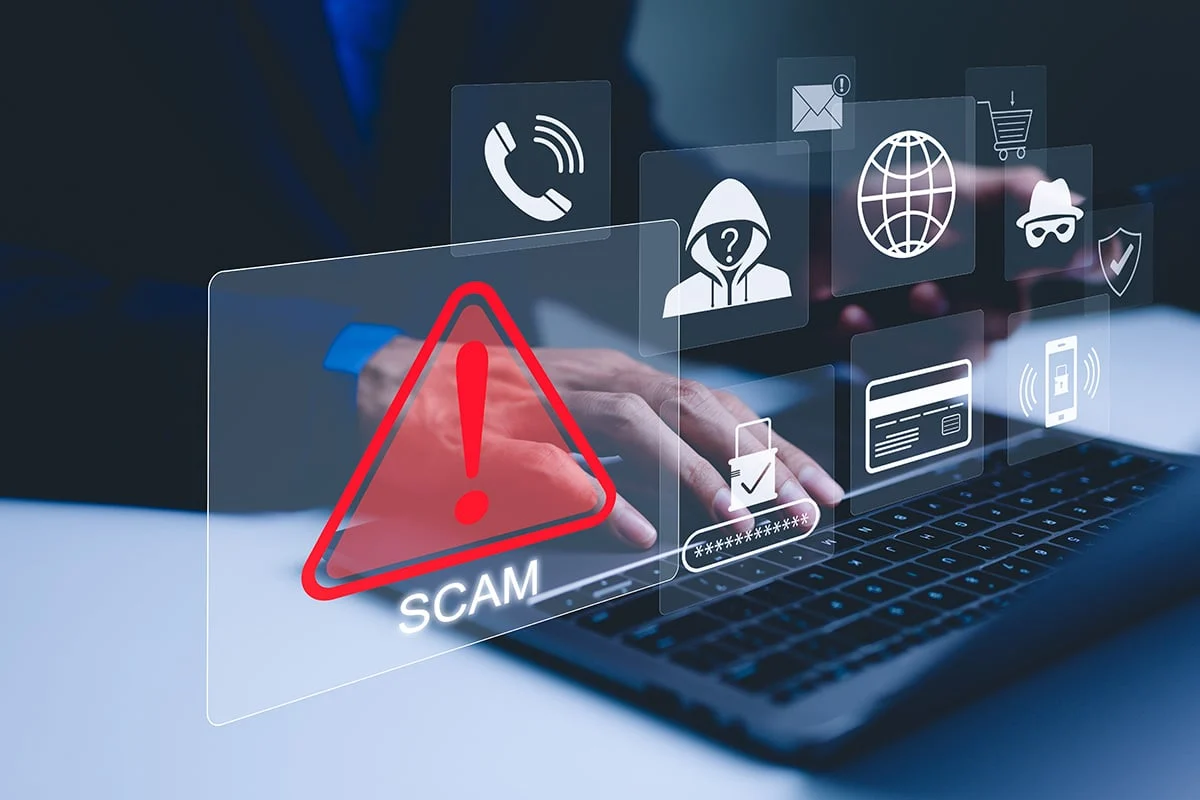
When accessing from search results, be wary of fake sites disguised as advertisements. Verifying the correct URL and bookmarking the official site can reduce the risk of accessing phishing sites during future logins.
What you need to open an account
Generally, you will need to prepare the following:
-
Email address
-
Phone number capable of receiving SMS, etc.
-
Identity verification documents
-
Financial institution account in your own name
-
Smartphone or computer
Documents that can be used for identity verification are those specified by each company, such as a driver’s license or My Number card. The types of documents accepted, their expiration dates, and the methods for capturing them vary by service.
If the name and address on your application do not match those on your identity verification documents, the verification process may take longer. After moving or changing your name, ensure that the information on your documents is up to date.
Basic flow of opening an account
1. Register your email address
Select account opening from the official website or official app and enter your email address. Follow the instructions in the verification email you receive to proceed with registration.
If you do not receive the email, check for input errors, your spam folder, or email reception settings. Also, verify that the sender is truly from the official domain, and do not open links in suspicious emails.
2. Set a strong password
Set a password that you do not use for any other services. Reusing the same password for email, social media, online shopping sites, etc., increases the risk of unauthorized login if information is leaked from another service.
If you find it difficult to manage long and complex passwords yourself, you may want to consider using a reliable password management tool. Avoid saving screenshots of your passwords in an unprotected state on social media or in the cloud.
3. Enter basic information
Enter your name, date of birth, address, occupation, purpose of trading, etc. Please enter accurate information that matches your identity verification documents.
Questions regarding your purpose of trading and financial status are provided for legal compliance and user protection. Do not provide false answers to pass the screening; enter your current situation honestly.
4. Perform identity verification
Methods include taking photos of your identity verification documents and your face with a smartphone, or receiving mail after submitting documents. Some operators now offer methods that can be completed entirely online.
When taking photos, ensure you are in a well-lit area, capture the entire document within the screen, and confirm that the text is legible. Light reflections, blurriness, or fingers covering the text can lead to a request for resubmission. Please photograph the front, back, and thickness of the documents as instructed.
5. Wait for screening and account opening completion
Once the necessary information is submitted, the operator will perform a review. The time until completion varies depending on the application status and the content submitted. If there are any deficiencies, you will be contacted, so please check the email you registered.
It is dangerous to send your identity verification documents to a third party on social media under the guise of “speeding up the screening process.” If you need to make an inquiry, please do so through the contact window on the official website.
6. Set up two-factor authentication
Once your account is opened, set up two-factor authentication before making any deposits. Two-factor authentication uses another element, such as an authentication app, in addition to your password to verify your identity.
If you are provided with instructions on how to recover your authentication app or given backup codes, please store them in a safe place. You may need them when changing devices or if your smartphone malfunctions. However, storing your password and backup codes in the same place carries the risk of them being stolen at the same time.
7. Deposit Japanese yen from an account in your own name
Once account opening and security settings are complete, deposit Japanese yen using the specified method. Available methods such as bank transfers or internet banking vary by exchange.
If the name on the transfer does not match the registered name, the deposit may not be reflected. Check not only the deposit fee but also the bank’s transfer fee, reflection time, and minimum deposit amount.
Common pitfalls in opening an account
The main reasons for delays in identity verification are discrepancies between the entered address and the address on the documents, unclear images, expired documents, or failing to photograph all required sides. Reviewing your submission once before sending it can reduce errors.
If you do not receive a verification email, check for typos in your email address. Before repeating the registration process multiple times, checking the official FAQ is often the easiest way to find a solution.
Also, you do not need to deposit a large amount of money immediately after opening an account. You can start by depositing a small amount, checking the buy and sell screens, and considering how much you want to use once you are accustomed to the operations.
Checklist to review after opening an account
-
Enabled two-factor authentication
-
Set up login and withdrawal notifications
-
Bookmarked the official website
-
Checked fees for deposits, withdrawals, and cryptocurrency transfers
-
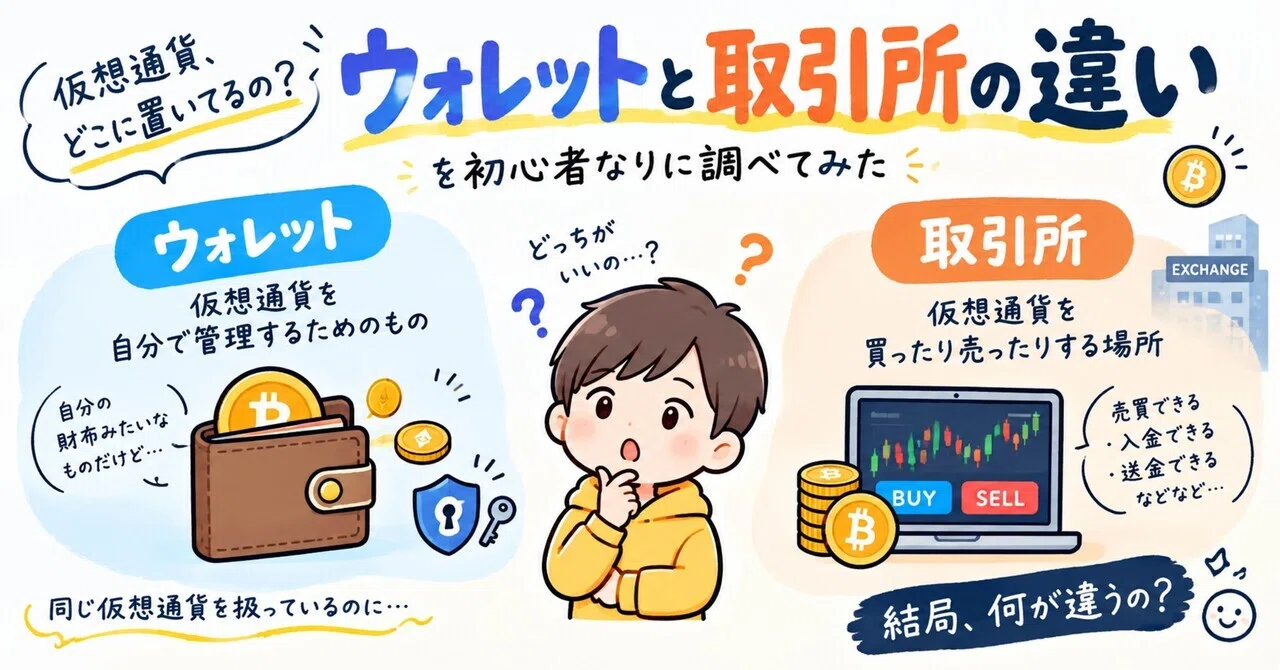
Confirmed the difference between a sales office and an exchange
-
Identified where to save transaction history
Transaction history may be required later for tax calculations. Deciding how to save your history right after your first purchase will save you from rushing at the end of the year.
Summary
Opening an account at a domestic cryptocurrency exchange generally follows the process of email registration, entering basic information, identity verification, screening, two-factor authentication, and depositing funds. There are not many difficult operations, but you should be careful about deficiencies in identity verification documents and phishing sites.
First, confirm that the operator is registered with the Financial Services Agency, and compare application requirements and fees. After opening an account, it is important to set up two-factor authentication immediately and check the operations with a small, comfortable amount for your first time.
*This article explains general account opening procedures. Required documents, screening criteria, terms of use, and fees vary by operator and are subject to change. Please be sure to check the official information of each company.