*This article contains promotions.
Introduction
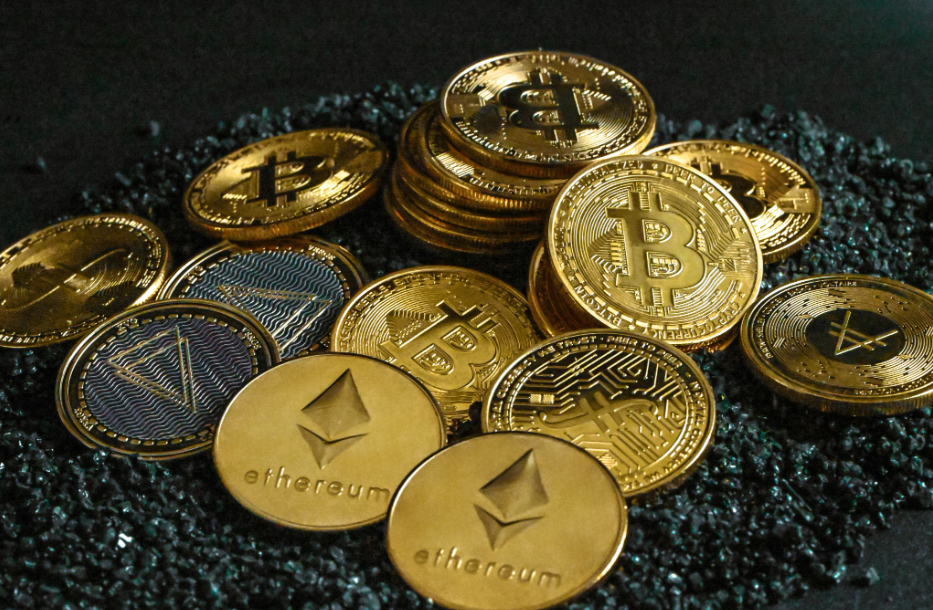
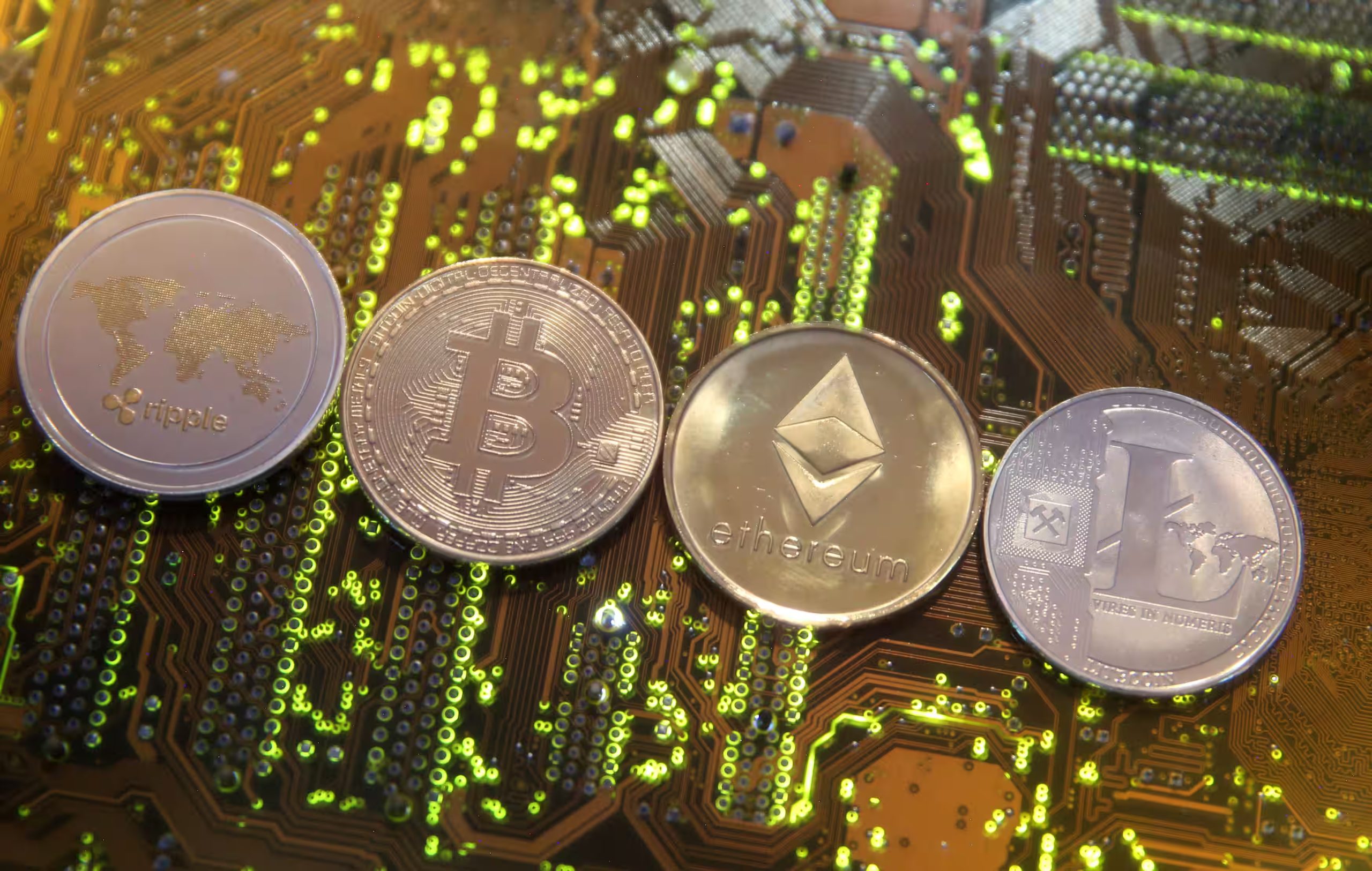
When you own cryptocurrency, asset security becomes a concern.
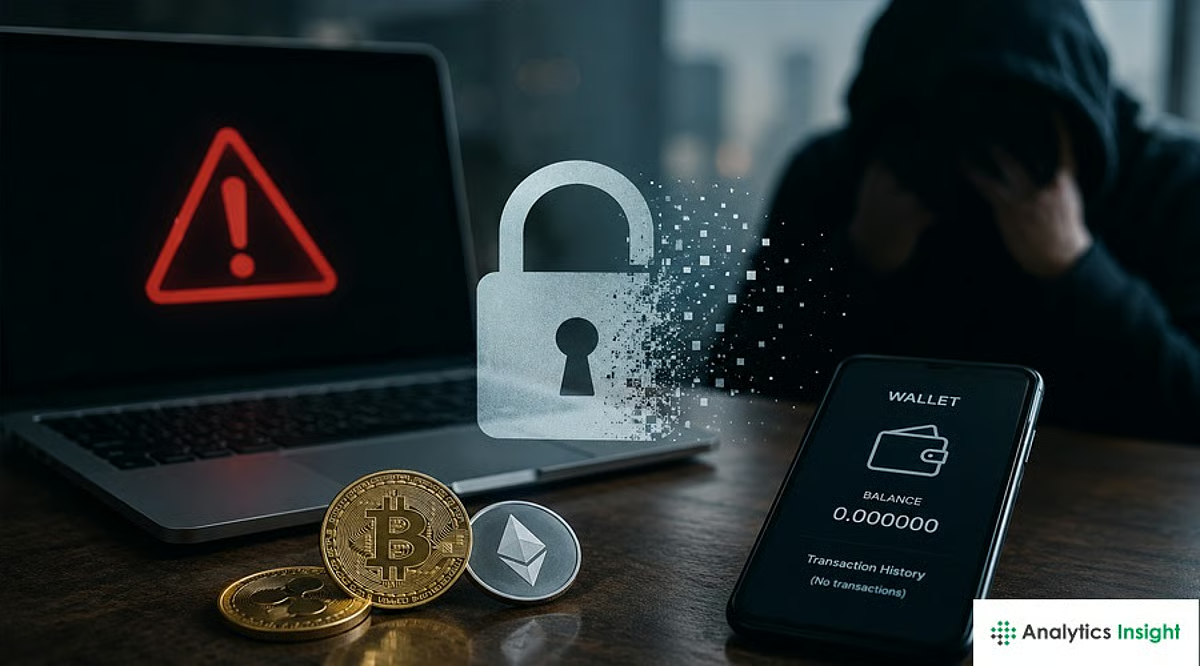
Many people store Bitcoin (BTC), Ethereum (ETH), and other assets on exchanges or in wallets, but risks such as hacking, phishing scams, and private key leaks cannot be ignored.
In particular, those considering long-term holding or those who possess a significant amount of cryptocurrency should take a moment to consider their storage methods.
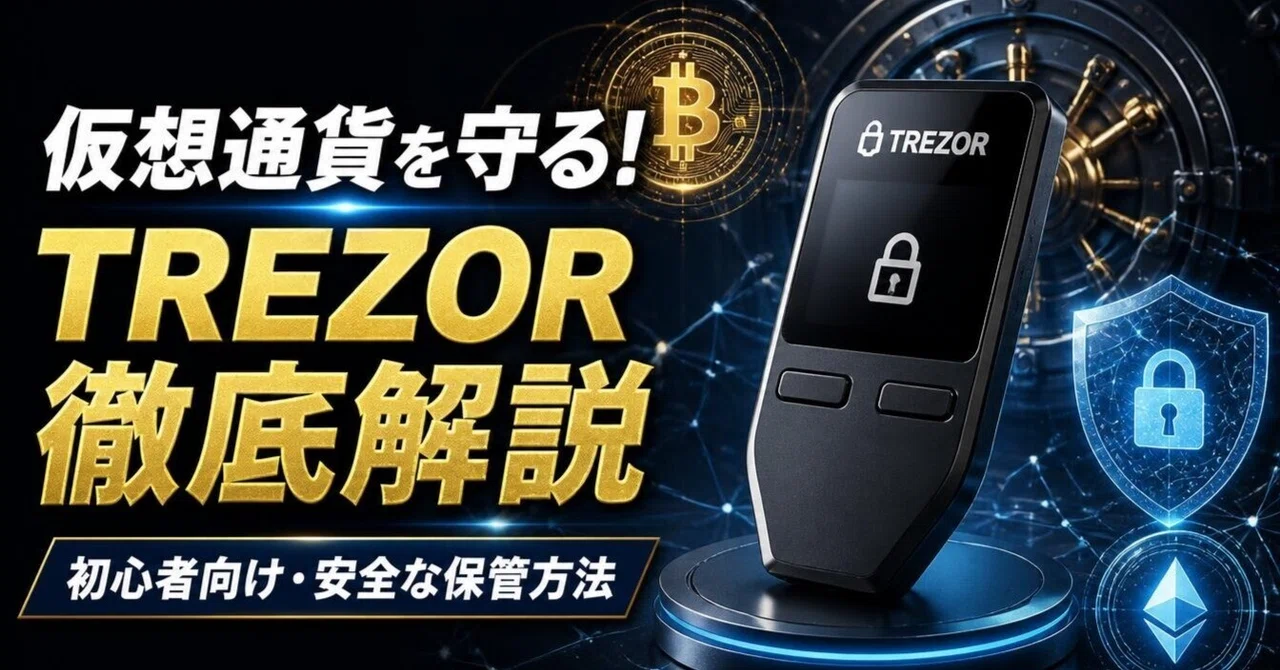
This is where the Trezor hardware wallet becomes an option.
In this article, we will introduce Trezor’s features, security, differences between models, pros and cons, and how to use it for beginners.
We will explain it in an easy-to-understand way for those who think, “Hardware wallets seem difficult” or “Are they really necessary?”
What is Trezor?
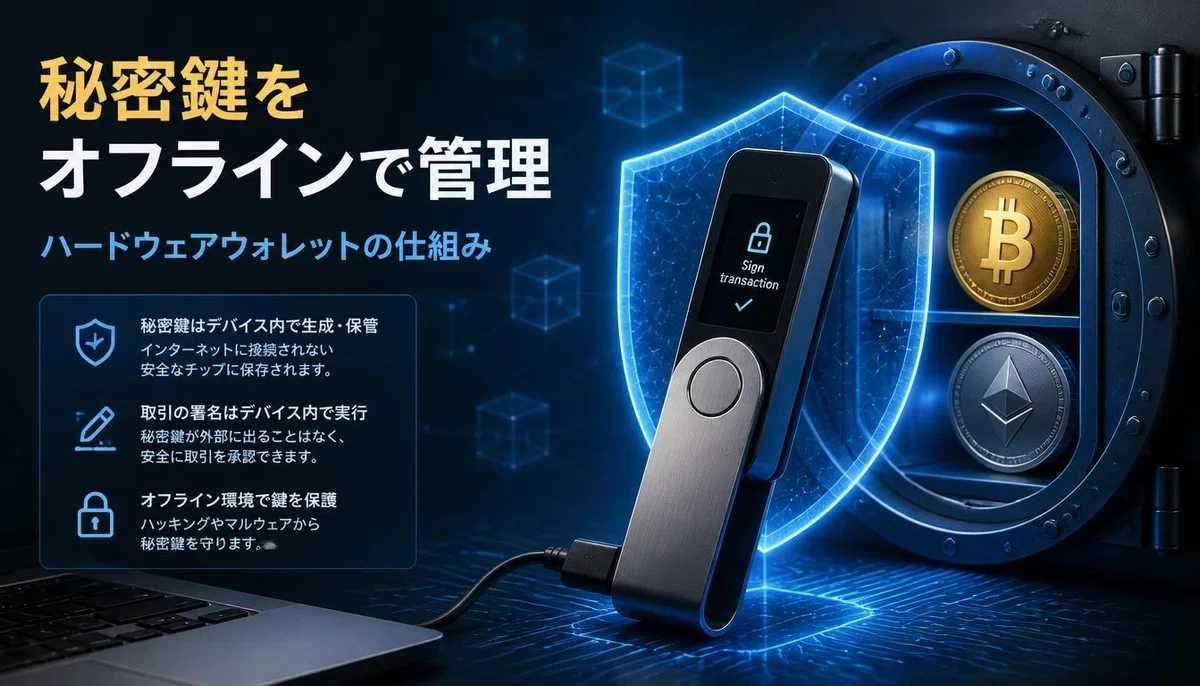
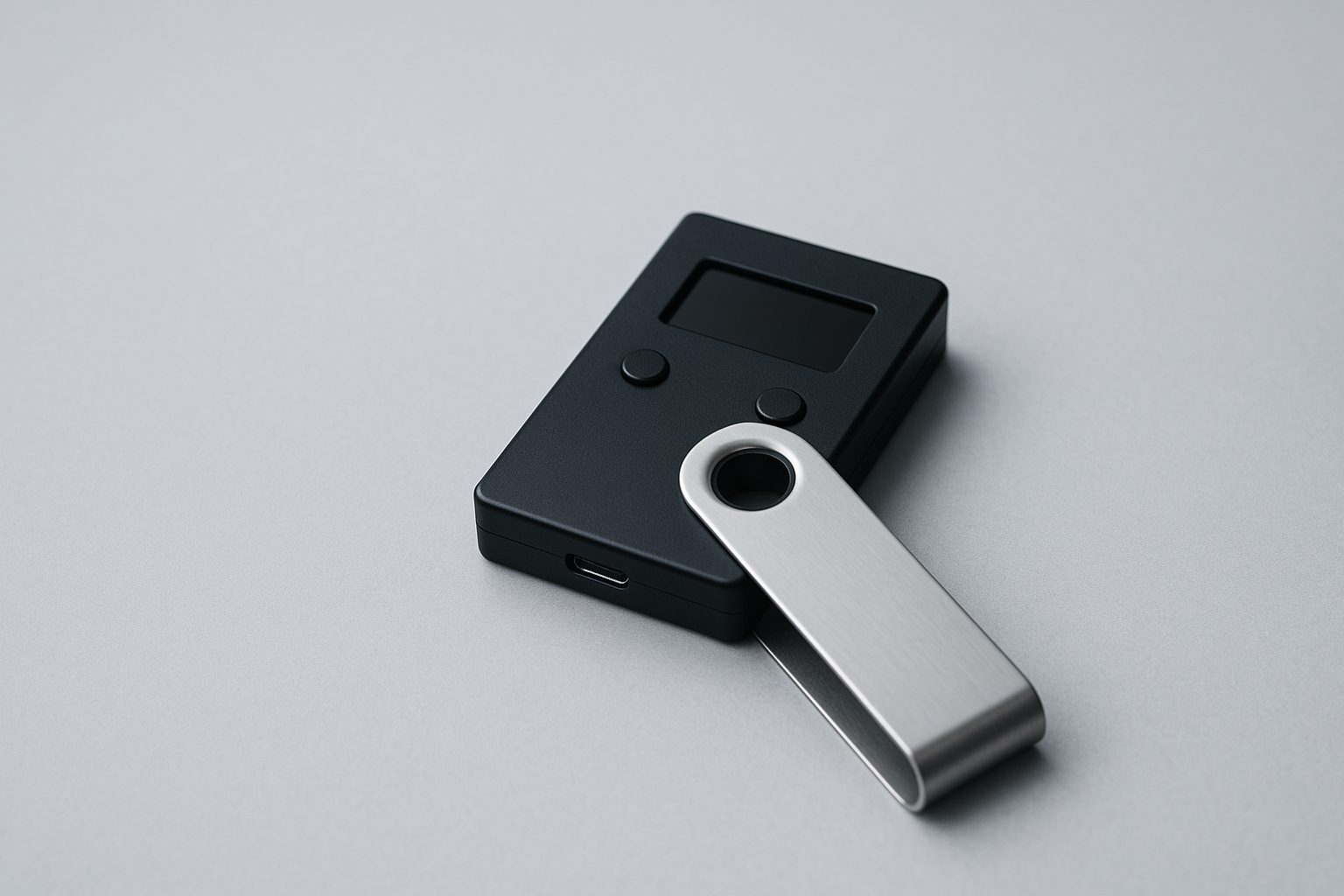
Trezor is a brand that provides hardware wallets for securely managing cryptocurrency private keys.
A hardware wallet is a mechanism that manages cryptocurrency private keys using a dedicated physical device.
Unlike standard online wallets, it allows you to manage private keys separately from computers or smartphones connected to the internet, thereby reducing the risk of private key leaks due to online attacks.
What you should remember here is that the cryptocurrency itself is not stored inside the device.
Cryptocurrency exists on the blockchain, and Trezor manages the private keys used to move those assets.
Therefore, even if you lose or break the device, you can restore access to your assets using a compatible wallet if you have your backup information.
Reasons why Trezor is chosen
Trezor has the following features:
・Private keys can be managed within the device
・Uses open source
・Supports protection via PIN code
・Supports additional protection via passphrase
・Supports many crypto assets such as Bitcoin and Ethereum
・Assets can be managed with the dedicated “Trezor Suite” app
・Can be linked with compatible external wallets and DeFi services
A point that deserves special attention is that it is open source.
Open source is a system where software programs are made public, allowing third parties to verify their contents.
For those who prioritize security, a highly transparent design can be considered a major appeal.
Main Trezor models and how to choose them
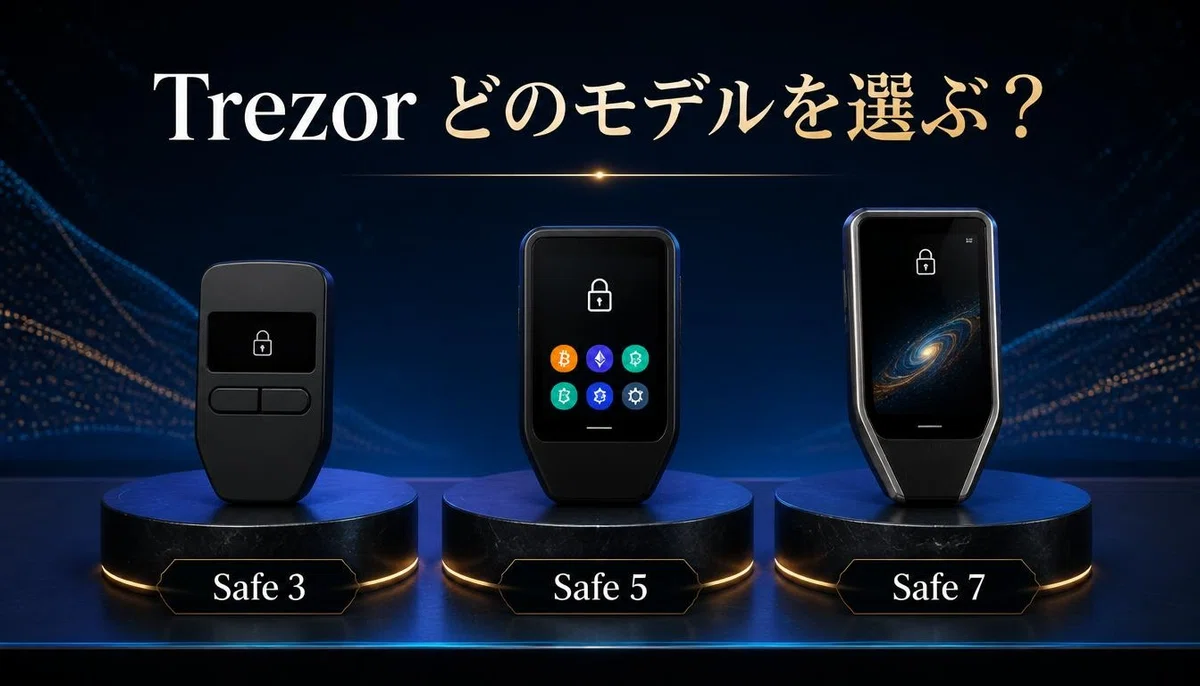
There are multiple Trezor models, which differ in price, ease of use, and built-in features.
First-time buyers should consider the necessary features when making their choice.
1. Trezor Safe 3
The Trezor Safe 3 is a model equipped with basic security features.
The main features are as follows:
・Compact and easy to carry
・Simple design operated with two buttons
・Equipped with an EAL6+ certified Secure Element
・Supports PIN codes and passphrases
・USB-C connection
・Supports many cryptocurrencies
While it lacks luxury features like a color touchscreen, it is a model worth considering for those focused on long-term holding.
It is suitable for those purchasing a hardware wallet for the first time or those who prioritize necessary and sufficient functionality.
2. Trezor Safe 5
The Trezor Safe 5 is a model that emphasizes both ease of use and security.
The main features are as follows:
・1.54-inch color touchscreen
・Intuitive operation via touch controls
・Haptic feedback during operation
・Equipped with an EAL6+ certified Secure Element
・Supports PIN codes and passphrases
・Supports many cryptocurrencies
Compared to the Safe 3, the screen is easier to see and it offers superior operability.
For those who frequently send or manage cryptocurrency, it is attractive in terms of ease of use.
3. Trezor Safe 7
The Trezor Safe 7 is a new-generation high-end model released in 2025.
Its main features are as follows:
・2.5-inch color touchscreen ・Supports wireless connectivity ・Supports Bluetooth connectivity ・Qi2-compatible wireless charging ・Equipped with multiple independent security chips ・Security design prepared for the quantum computing era ・Supports a large number of crypto assets
Of particular note are the wireless connectivity and the new security design.
It is an attractive option for those who prioritize integration with smartphones or those who want to use the latest features.
Note that the quantum resistance is a design feature anticipating future threats and does not guarantee complete security against all possible attacks.
Which model is recommended?
Personally, I think it is easier to choose if you consider the following:
・Safe 3 if you want to keep costs down and set up a basic storage environment ・Safe 5 if you prioritize screen visibility and ease of operation ・Safe 7 if you prioritize the latest features and wireless connectivity
Purchasing an expensive model does not necessarily guarantee that your assets will be safe.
It is important to choose according to your usage environment and the crypto assets you hold.
Benefits of using Trezor
I will introduce the specific benefits of using Trezor.
1. No need to leave assets on an exchange
While cryptocurrency exchanges are convenient, there are risks such as system failures on the exchange side, hacking, and withdrawal restrictions.
With self-custody, where you manage your own private keys, you do not have to entrust the management of your private keys to a third party.
It is particularly suitable for those who want to manage long-term holdings like BTC or ETH in an environment separate from an exchange.
However, since you are managing it yourself, you are also responsible for managing your private keys and backups.
2. Transparency through open source
Trezor places great importance on open source.
Because the program’s source code is open, it can be verified and audited by third parties.
This is an important point, as it means users can verify the security mechanisms for themselves.
3. Integration with DeFi and external wallets
Trezor is not just a product for simply storing cryptocurrency.
By connecting with compatible external wallets and services, it can be used to manage a wide variety of crypto assets.
For those who use DeFi, the ability to approve transactions while keeping private keys protected is a major advantage.
However, the available features vary depending on the service or network you connect to.
Be sure to check compatibility before use.
Disadvantages and precautions for Trezor
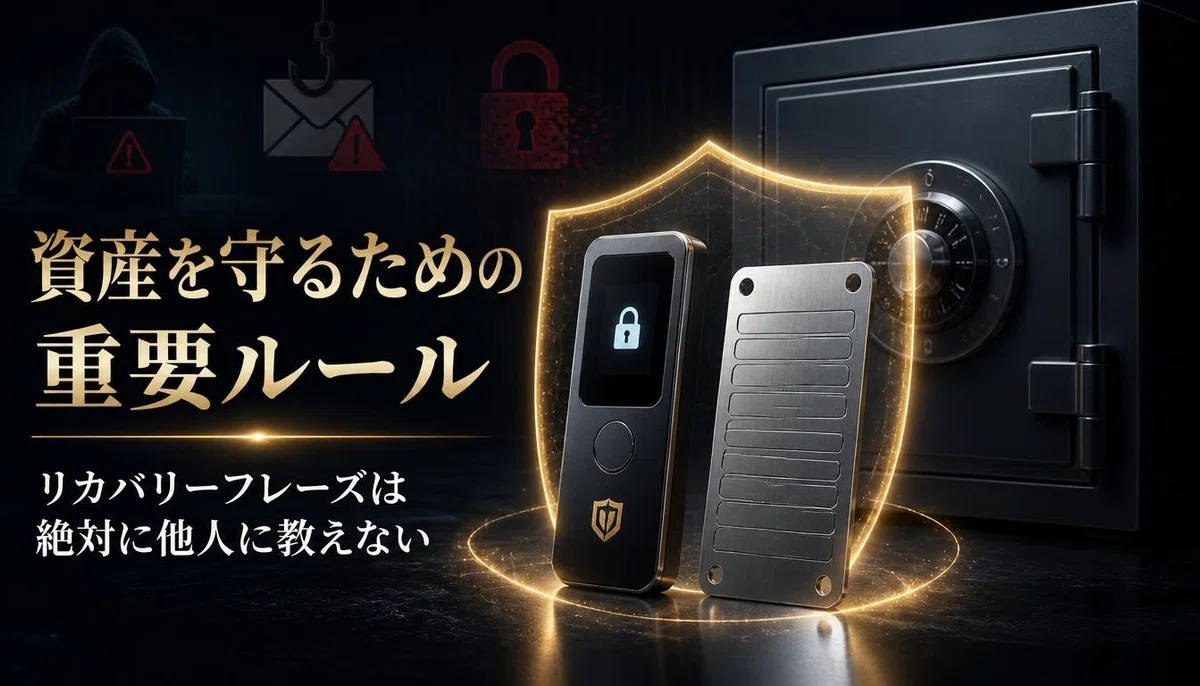
While Trezor is convenient, there are some points you should be aware of before purchasing.
1. Initial costs are required
Unlike free software wallets, hardware wallets require you to purchase the device itself.
Prices vary by model, so choose one that fits your budget.
Additionally, in addition to the purchase price, shipping costs and import taxes may also apply.
2. Management of backup information is extremely important
The most important thing to be careful about when using Trezor is the wallet backup.
The backup words created during initial setup are necessary to restore your assets if you lose your device.
If this information becomes known to a third party, your assets could be stolen.
Be sure to follow the points below.
・Record backup information on paper or similar media
・Do not save it on the internet
・Do not take photos and save them on your smartphone
・Never share it with third parties
・Store it in a safe place to prepare for loss, fire, etc.
If you lose your backup information, you may be unable to access your assets if the device malfunctions.
Conversely, if your backup information is leaked, there is a risk that your assets could be stolen even if you have the device itself in your possession.
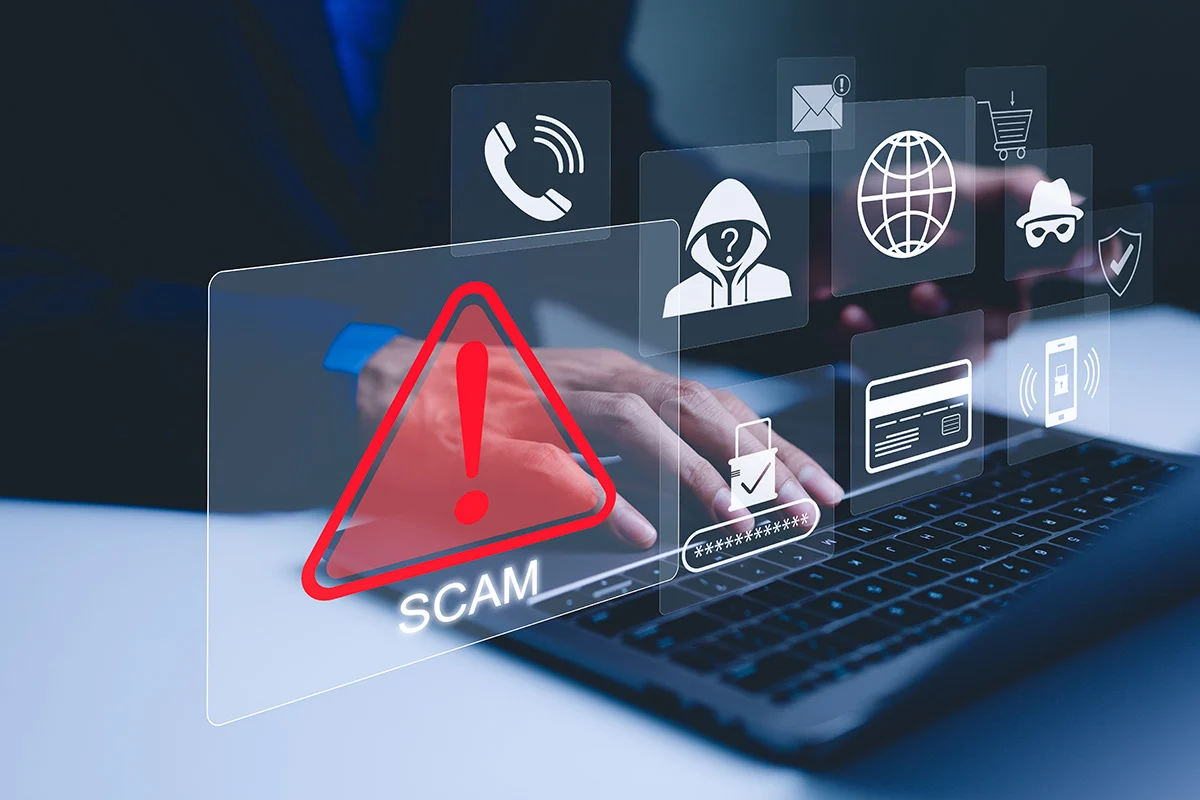
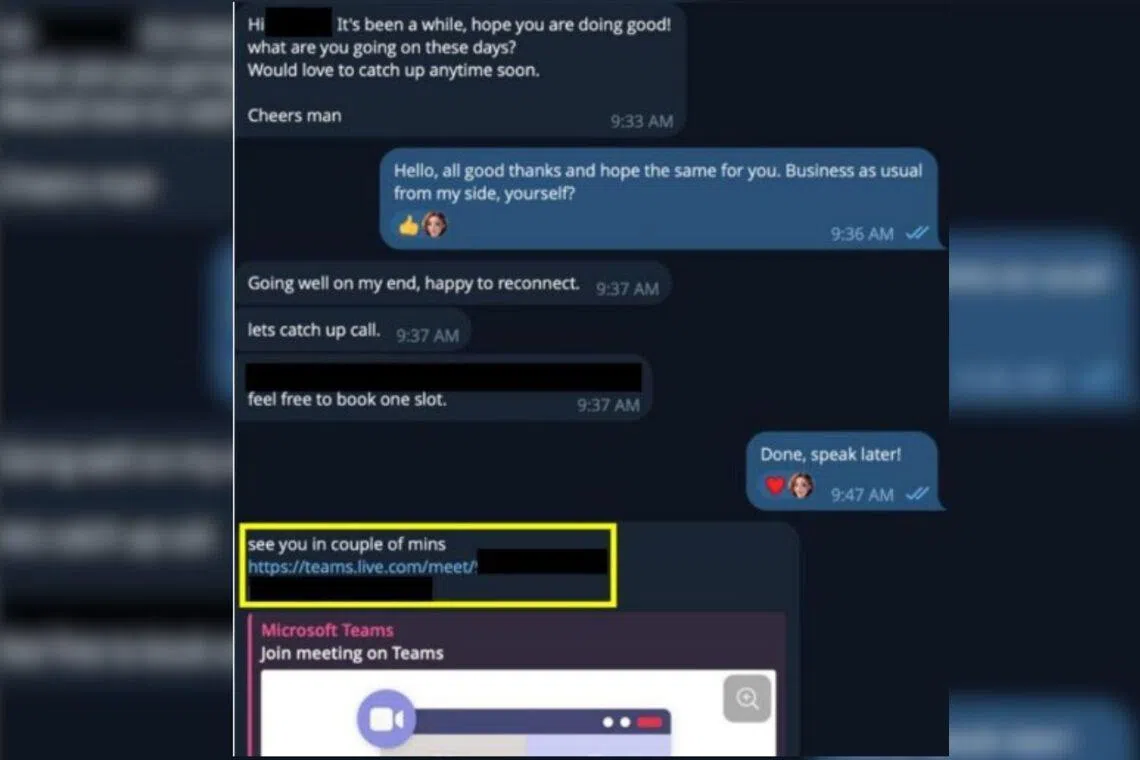
③ Beware of counterfeits and phishing scams
When purchasing a hardware wallet, you must also be careful about the seller.
We recommend using Trezor’s official sales channels or authorized retailers rather than second-hand items or products from unknown sources.
Also, please be careful of fake websites and fake apps that impersonate Trezor.
Even if someone claiming to be a support representative asks for your backup words, never tell them.
④ There are differences by model for smartphone usage
Compatibility differs between Android and iPhone.
In particular, models like the Safe 3 and Safe 5 have limitations on the features available on iPhone.
If you want to perform tasks like sending funds or managing the device using only an iPhone, you need to consider compatible models such as the Safe 7.
Check compatibility with your smartphone before purchasing.
How to get started with Trezor: Initial setup flow
For those using a hardware wallet for the first time, here is the basic flow.
STEP 1: Purchase a Trezor
First, choose a model that suits your purpose.
When purchasing, check the seller and buy from an authorized sales channel.
STEP 2: Prepare Trezor Suite
Trezor Suite is a dedicated application for managing your Trezor.
Install and use it on a compatible computer or smartphone.
Always obtain the app from the official website.
STEP 3: Perform initial device setup
Follow the on-screen instructions to proceed with the initial setup.
Set up a PIN code, create a wallet backup, and so on.
Record the backup information accurately at this stage and store it in a safe place.
STEP 4: Perform a test transfer with a small amount
When moving cryptocurrency for the first time, it is recommended to test with a small amount rather than sending the entire balance at once.
Check the device screen to ensure the destination address and supported network are correct.
Especially with Ethereum and various tokens, using the wrong network can result in the loss of assets.
STEP 5: Regularly check backups and management status
It is not over once you have finished the setup.
Regularly check the storage status of your backups and the condition of your device.
It is also important to manage firmware and app updates appropriately while checking official guidance.
Who is Trezor recommended for?
Based on the features introduced so far, Trezor is suitable for the following people:
・People holding Bitcoin or Ethereum long-term
・People who do not want to leave their assets on an exchange
・People who want to manage their own private keys
・People using DeFi or multiple crypto assets
・People who want to strengthen their cryptocurrency security
・People considering countermeasures against hacking and phishing scams
Conversely, for those who only hold a small amount of cryptocurrency and trade frequently, the cost of the device and the effort of management may become a burden.
Also, using a hardware wallet does not mean you will never lose your assets.
If you approve unauthorized transfers or leak your backup information, there is a risk of losing your assets.
Both device security and the user’s own management awareness are important.
Let’s review your cryptocurrency storage environment with Trezor
When it comes to cryptocurrency, it is important not only to purchase it but also to consider how to store it after purchase.
Especially if you are thinking about long-term holding, why not consider a method of managing your private keys yourself, rather than relying solely on exchanges or online wallets?
Trezor offers models tailored to different needs, such as the simple Safe 3, the highly operable Safe 5, and the feature-rich Safe 7.
If you are a beginner, it is a good idea to first check the differences between each model and the supported currencies to choose the one that suits you best.
While a hardware wallet is not a ‘buy it and forget it’ solution, it is a worthwhile option to consider for long-term asset management.
If you want to set up an environment where you can manage your precious cryptocurrency yourself, please check out Trezor.
▼ Check out Trezor and choose the hardware wallet that is right for you.
Note: This article is for informational purposes only and does not constitute investment or asset management advice. Terms of use, rewards, fees, and service details are subject to change. Please be sure to check the latest information before use.